Downloading
First, you have to download Java as Currently Techno Launcher doesn't automatically install java. This is the Official Java Download Page.
Go to Official Java Download Page.
Select Windows-64 bit Installer.
Double-click the download .exe file from the Downloads folder.
Click Next, select the java installation path and click Install.
Click Close, When the Installation is complete.
Now, you have the java. It's turn to Install Techno Launcher:
Click on Download Button.
Double-click the download .exe file from your Downloads folder.
Click Next, Select the Techno Launcher installation path and click Install.
Click on Finish, after the installation is complete.
Now, you can access Techno Launcher from your dekstop shortcut or from start menu.
Installing Version
Launch Techno Launcher
Type any version you want in the Text Box next to Install Vanilla button
Click on which loader do you want: Vanilla, Forge, Fabric.
Techno Launcher freezes until your installation is complete.
Your version will be showed in the Installed Versions section.
Launching Minecraft
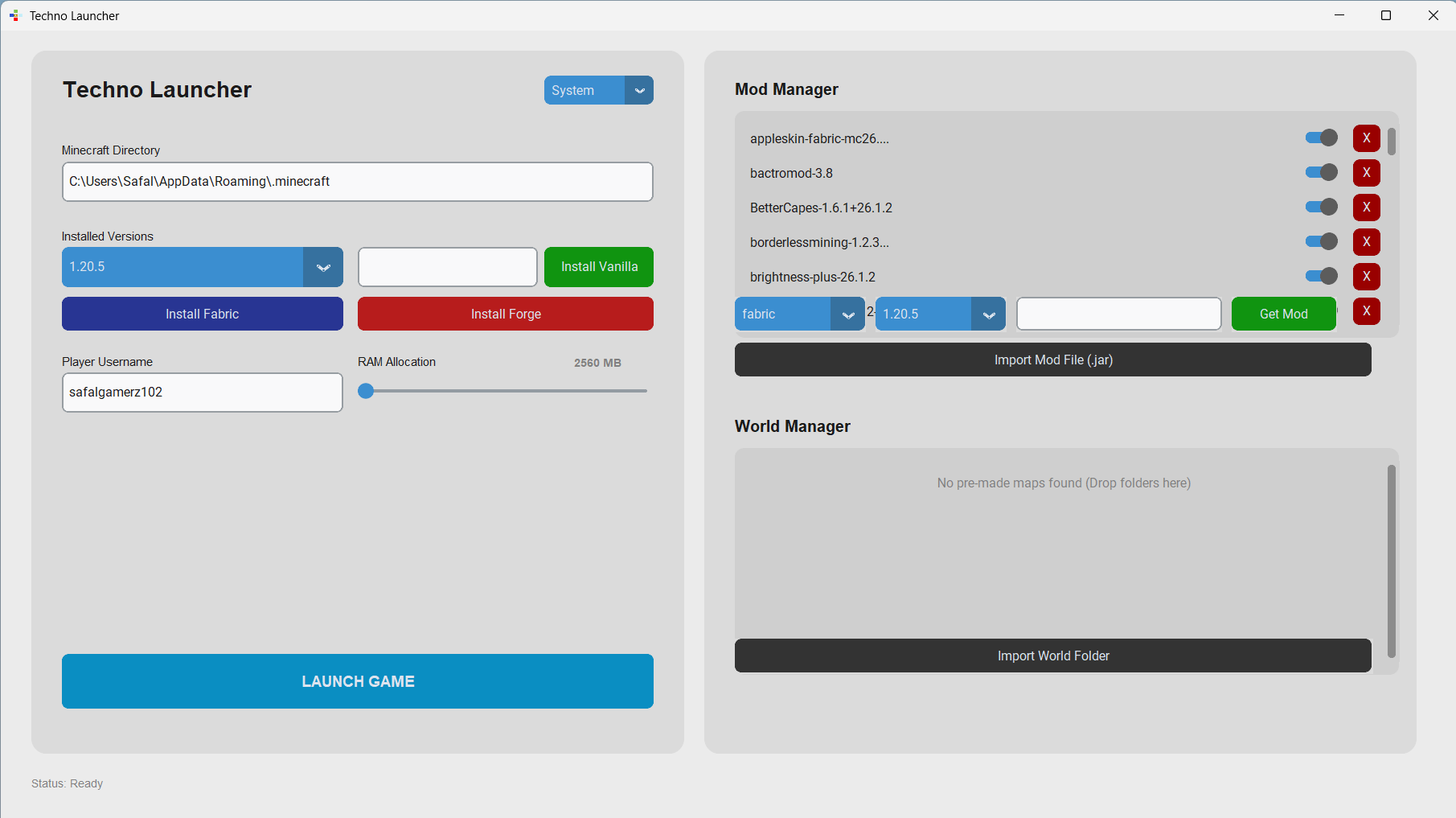
Select your minecraft directory folder in minecraft directory section (Recommended default).
Select your RAM allocation through the slider (default: 2560 MB).
Select your username in the Username text box.
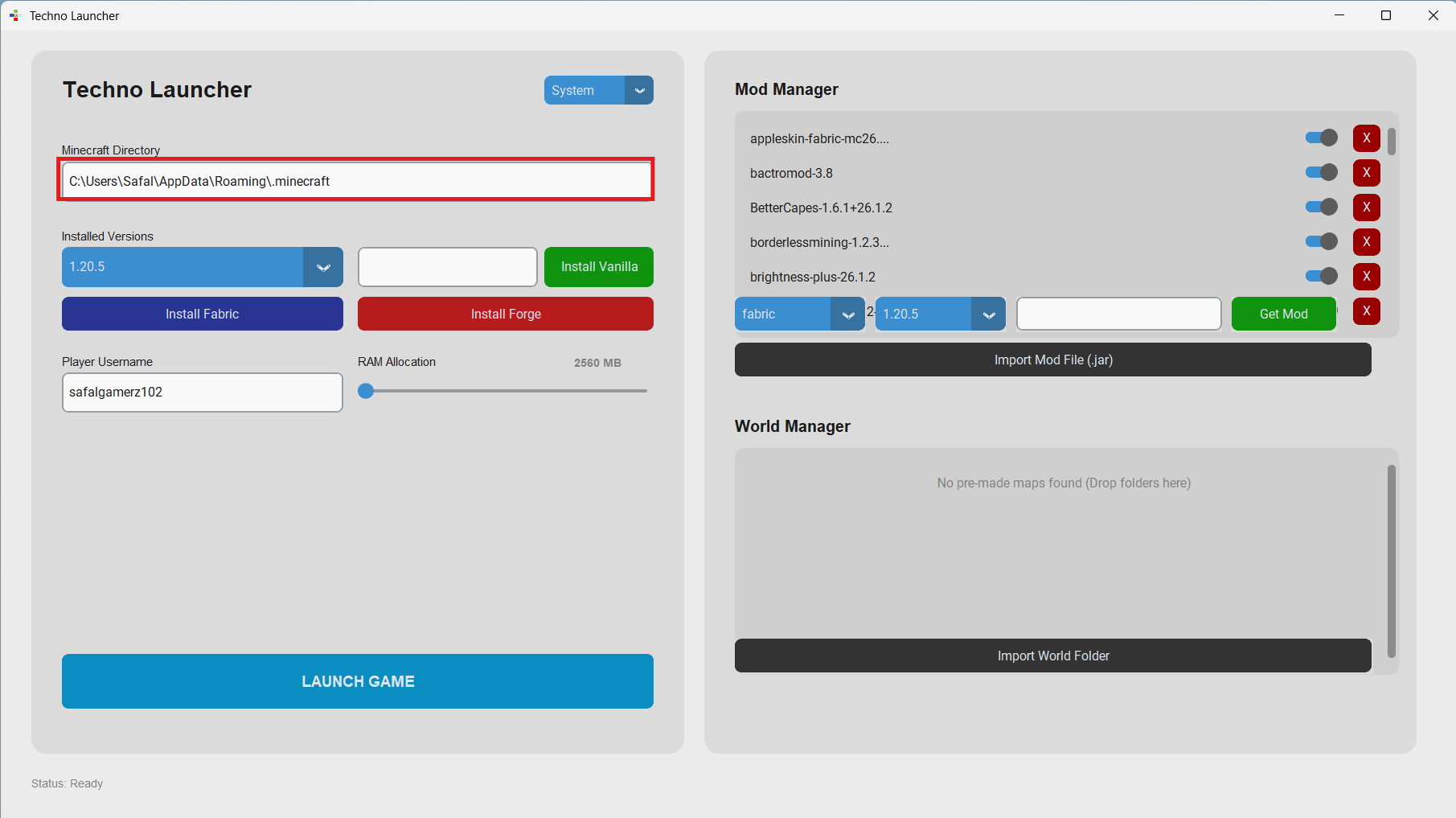
Choose your version on Installed Version Section
Click on Launch button.
Installing Mods
Installing Modrinth Mods (Fabric and Forge only)
There is an In-Built Mod manager. So, you don't have to go to download any mods on modrinth. But, this only supports mods for Fabric and Forge on modrinth.
Type your mod name in the text box of Mod Manager.
Select your loader.
Choose your minecraft version.
Click on Get Mod button.
Installing Other Mod Hosting Platforms
Since, currently Techno Launcher In-Built mod manager can't install CurseForge or other platforms mod; You have to download them manually.
Download your .jar file from any platform like CurseForge or modrinth.
Click on Import Mods(.jar).
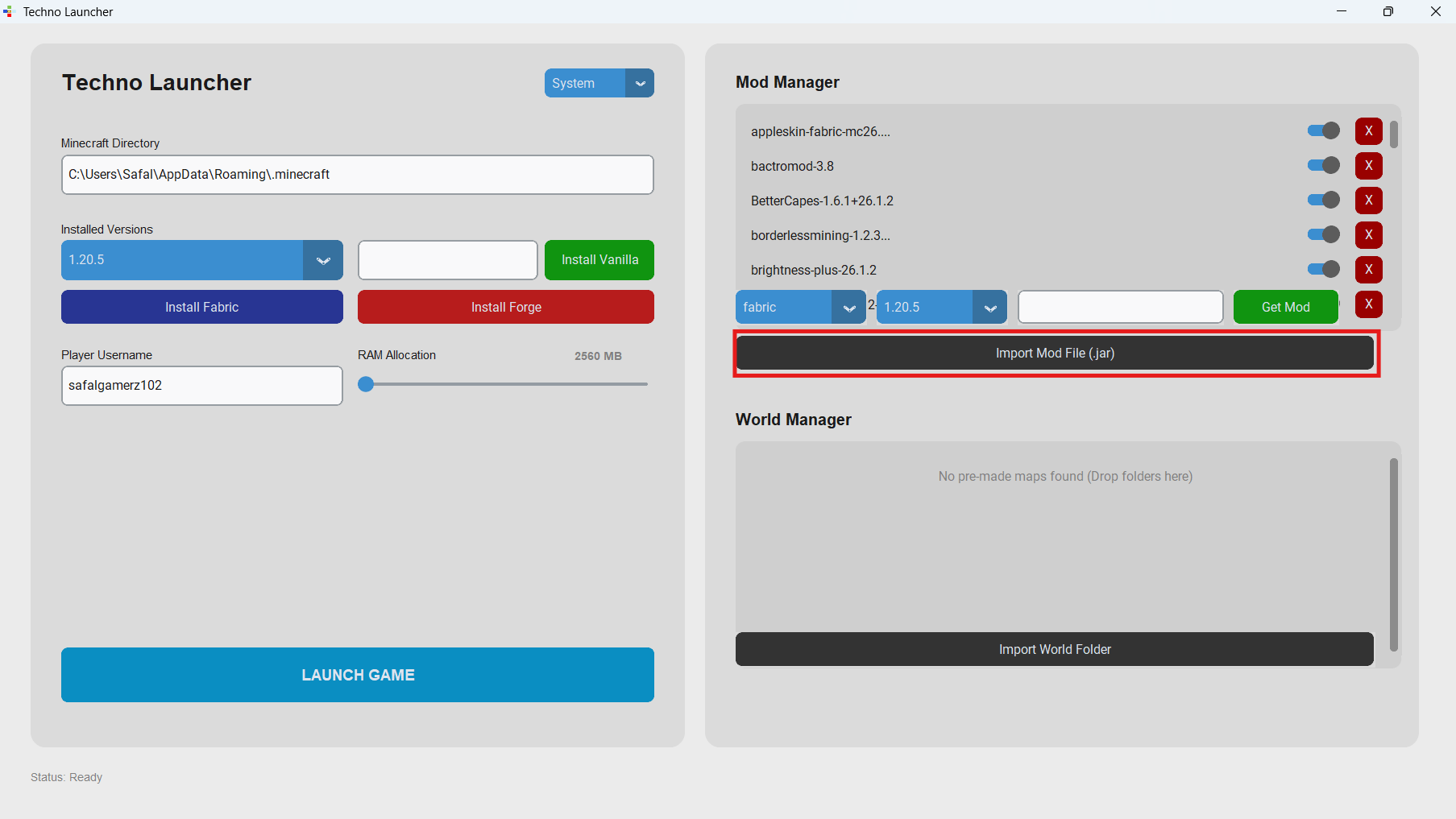
You can disable/enable or delete any mods from In-Built Mod Manager.
To Add Worlds
Click on Import Worlds button.
Open your world folder.
Your worlds will be shown at the bottom of the worlds list.
Switching Theme
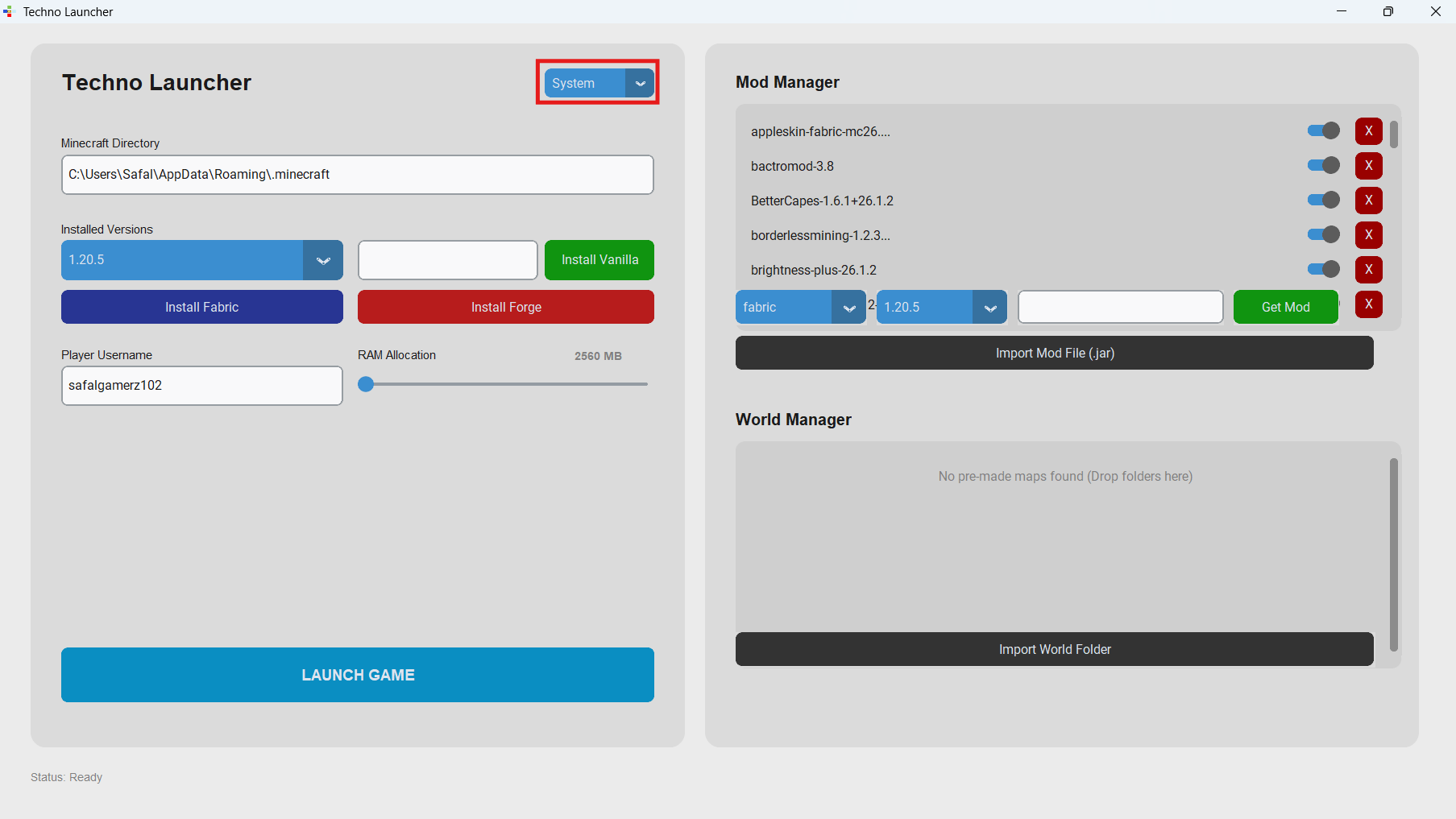
Locate the dropdown at the top of the launcher.
Choose any theme from the dropdown: System, Light or Dark.